CERTIFIED REFURBISHED SALE: Save up to 50% on like-new products. Shop

Home theater audio setups: which configuration is right for your room
Home theater systems are identified by three numbers that represent the main speakers, subwoofer, and height channels. A 5.1 system has five speakers and one subwoofer. A 7.1.4 adds two more speakers and four height channels. Each configuration suits a different room and a different kind of listener.
2.0 — Stereo two speakers, no subwoofer. A well-placed stereo pair produces a wider, more dimensional soundstage than most people expect. For rooms under 150 square feet or listeners who prioritize music, it's often the strongest starting point.
2.1 — Stereo with subwoofer Adding a subwoofer hands off frequencies below roughly 80 Hz, freeing the main speakers for midrange and treble detail. Low end becomes physical rather than just audible, the kind of bass you feel in your chest before you consciously register it.
5.1 — Soundbar, subwoofer, and rear surrounds. A soundbar anchors the front, rear surrounds wrap the listening position from behind, and the subwoofer grounds everything with controlled low-frequency output. Sound effects move through the room with more direction, giving the soundstage greater front-to-back depth and making movies feel more immersive.
7.1.4 — Full Dolby Atmos® seven speakers, one subwoofer, four height channels. Sound occupies a full sphere around the listener rather than a flat plane. With properly mixed Atmos content, the ceiling becomes part of the soundstage.
READ: What is Dolby Atmos and how does it revolutionize surround sound?
Choosing your configuration
Room size and primary use drive the decision.
- For smaller rooms: Start with 2.0 or 2.1, especially if music is the priority or the seating area is compact.
- For more bass and impact: Choose 2.1 when you want movies, games, and music to feel fuller without adding rear speakers.
- For film and TV: Move to 5.1 when directional effects, dialogue placement, and surround detail matter most.
- For a full cinematic layout: Plan for 7.1.4 when the room has enough space for sound to move around and above the listening position.
How to set up home theater audio, step by step
Step 2: Soundbar placement: height, alignment, and horizontal angle
Center alignment
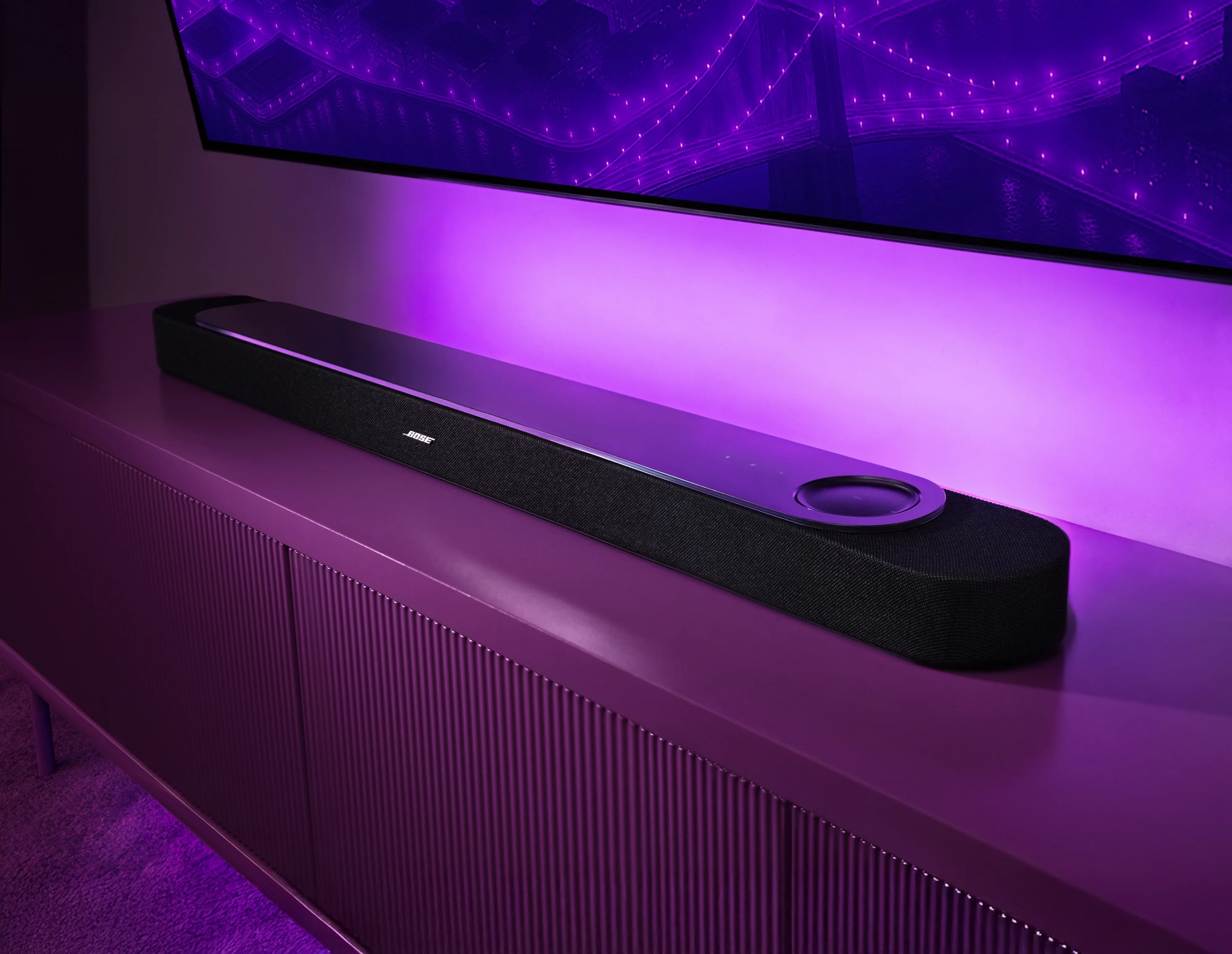
Center the soundbar with the TV and aim it directly at the main listening position. Proper alignment keeps dialogue anchored to the screen and helps the front soundstage feel precise, especially when effects move across the picture.
Height and placement
If possible, position the soundbar’s main drivers at a height of your ear level when sested, usually around 36 to 48 inches from the floor. A media console often gives the soundbar more space from the wall, which can help bass feel controlled in smaller rooms. Wall mounting creates a cleaner, more integrated look, but confirm the height of your usual seated position before committing.
Projection and connection
Keep the front and top of the soundbar clear so the drivers can project into the room. The Lifestyle Ultra Soundbar is designed to send sound forward, upward, and outward through its up-firing drivers and it’s proprietary PhaseGuide Technology acoustic design. Open placement helps the front stage feel wider and more dimensional. Connect through HDMI eARC when available to preserve Dolby Atmos detail, timing, and height information.
Step 3: Stereo speaker setup: the listening triangle and toe-in
Listening triangle
A stereo pair works best when the two speakers and your listening position form a balanced triangle. The distance between the speakers should roughly match the distance from each speaker to where you sit. If your seat is eight feet away, start with the speakers about eight feet apart. In a narrower room, scale the triangle down instead of pushing the speakers too close to the walls.
Toe-In and stereo focus
Toe-in shapes how focused the sound feels. Angling each speaker inward by about 15 to 30 degrees helps vocals, dialogue, and lead instruments settle into place. Start with a slight angle, play a track with a clear vocal, and adjust until the center feels locked in without making the soundstage feel too narrow.
Height and room spacing
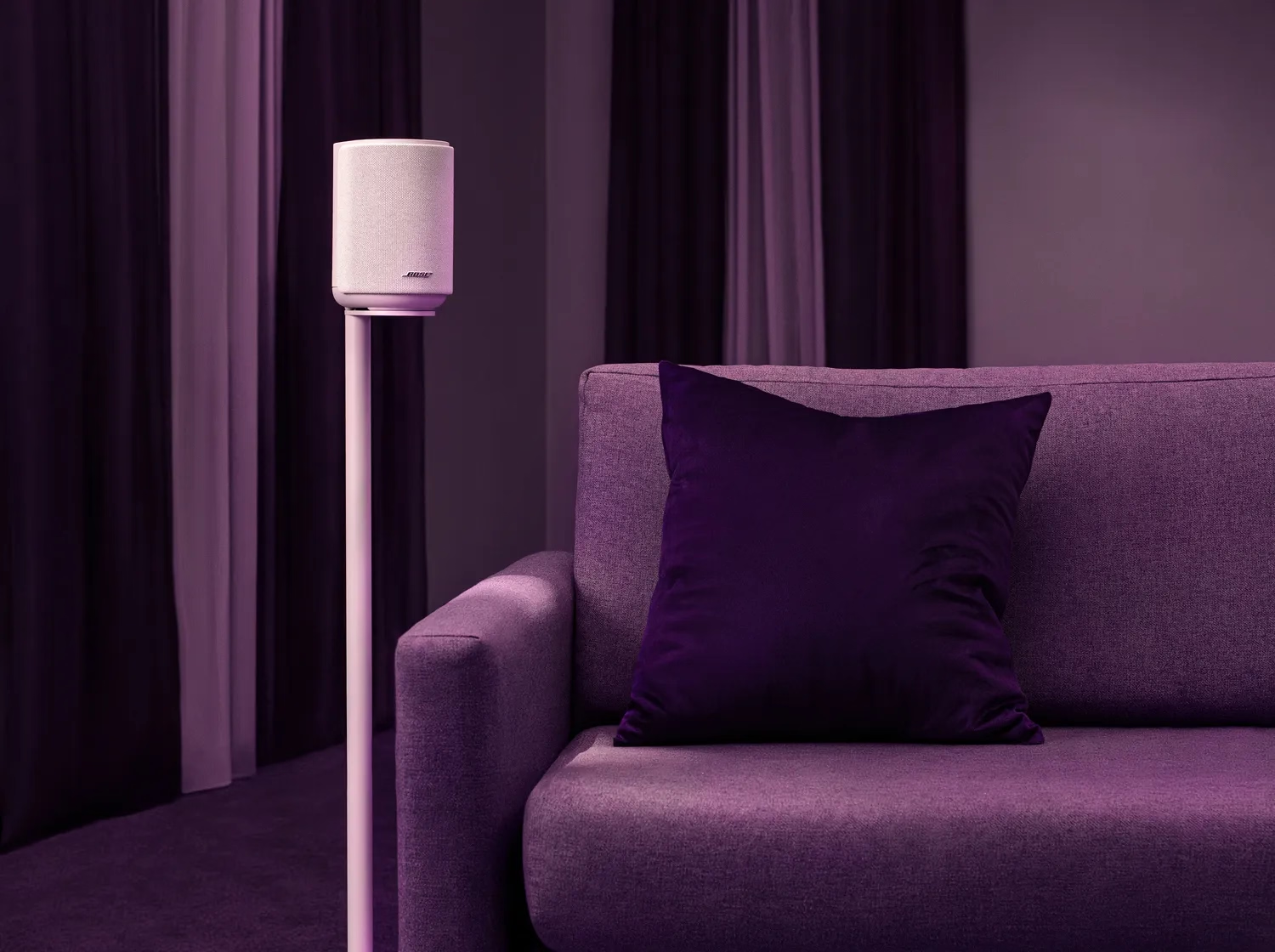
Place the main driver close to ear level height and give each speaker about 12 to 18 inches of space from the back wall to help keep bass controlled. With the Lifestyle Ultra Speaker, height also supports its multidirectional design: two front-facing drivers project sound outward, while the up-firing driver reflects sound off the ceiling for added height and spaciousness. Ceilings around 8 to 10 feet tend to bring out that effect best, helping music feel more open and giving movies a more dimensional front stage.
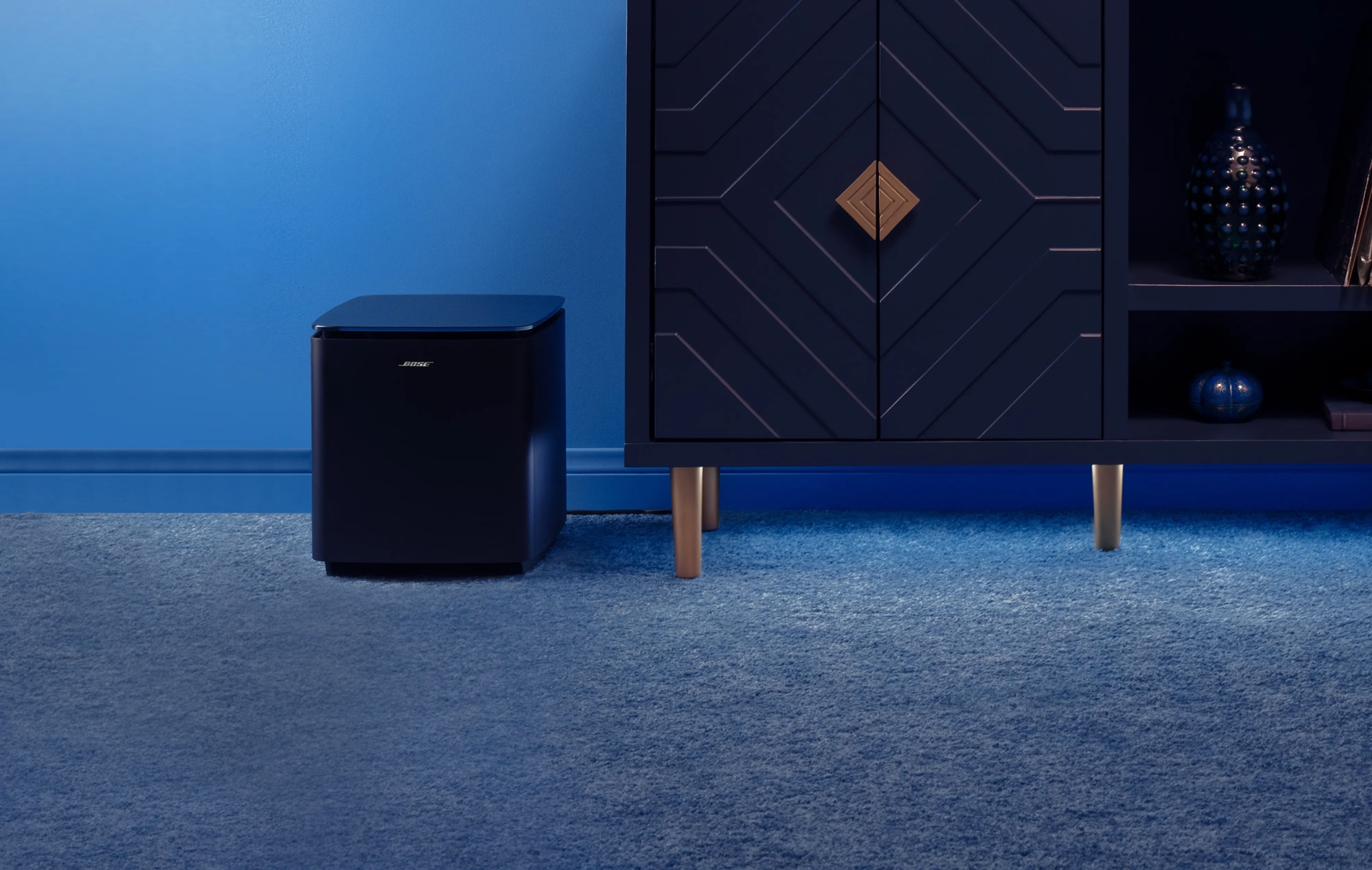
Step 4: Subwoofer placement: finding the right spot for bass
Subwoofer placement works differently from speaker placement. Below roughly 80 Hz, bass becomes less directional, so the goal is not to aim the subwoofer at your seat. The goal is to find the area of the room where low frequencies sound deep, even, and controlled.
Subwoofer crawl
The simplest way to find that spot is the subwoofer crawl. Place the subwoofer at your main listening position, play a familiar bass-heavy scene or song, then move around the room perimeter and listen for where the bass sounds tightest. Place the subwoofer there. A good location should give bass weight without making it sound boomy or one-note.
Wall and corner placement
Corners can make bass feel bigger, but they can also make it less controlled in smaller rooms. Along-wall placement often gives a cleaner balance. Start with the subwoofer about 6 to 18 inches from the wall, then adjust based on the room. If the low end starts to feel muddy, the subwoofer is likely too close to a boundary.
Wireless placement freedom
The Lifestyle Ultra Subwoofer pairs wirelessly with the Lifestyle Ultra Soundbar, so placement can be based on sound rather than cable reach. CleanBass Port Technology helps deliver deep, clear bass with less unwanted resonance, giving movie soundtracks, live performances, and action scenes more physical impact without overwhelming the rest of the mix.
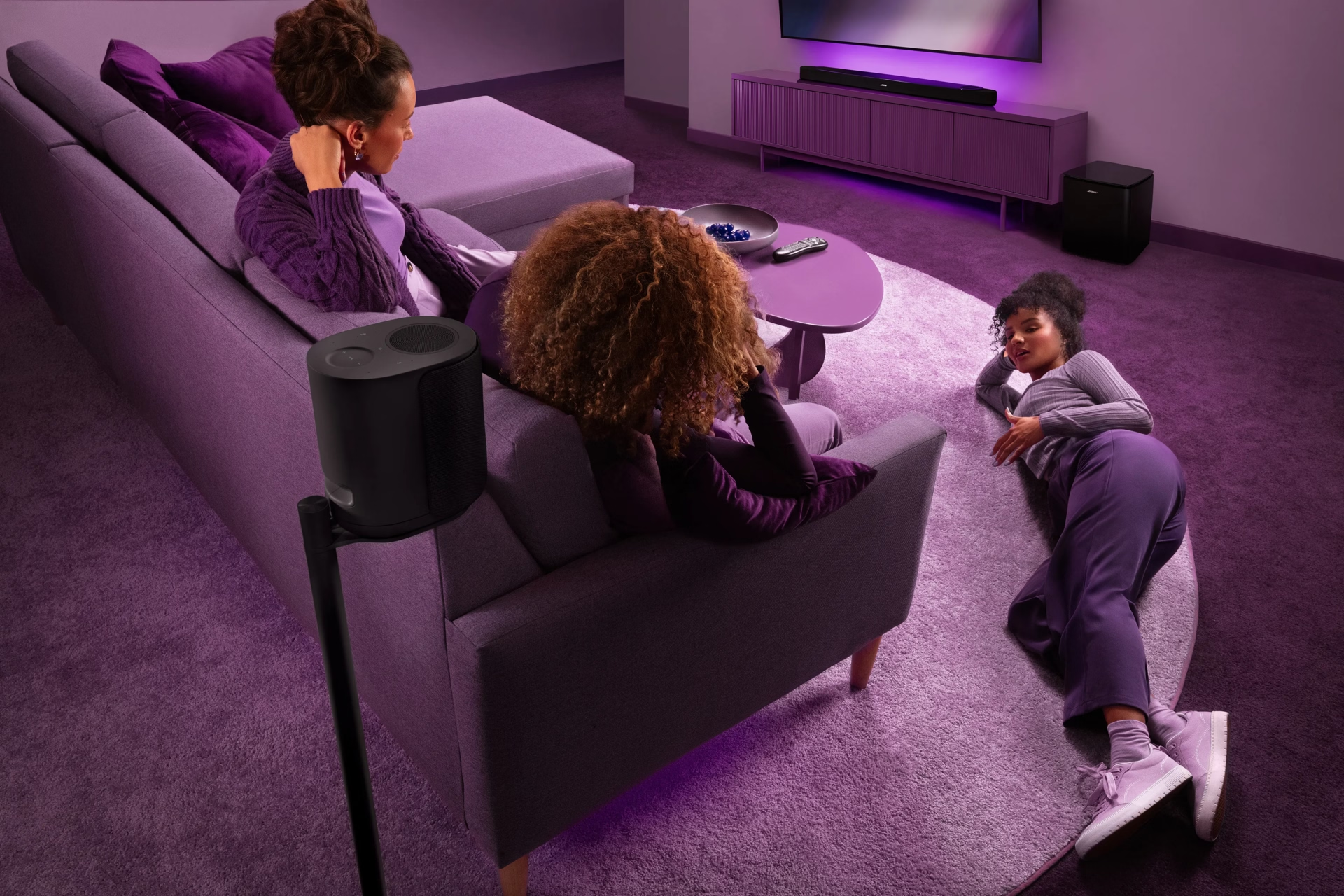
Step 5: Rear surround placement: Creating a more immersive field
Surround angle
Rear surrounds should sit slightly behind and to the side of the listening position. For a 5.1 setup, aim for roughly 110 to 120 degrees from the center of the screen. In practical terms, the speakers should not sit directly behind your head or directly beside you. A slight rear angle helps the effects travel around the room instead of simply appearing from the back wall.
Height and direction
Place surround speakers a little above ear level and angle them toward the listening area. Higher placement helps the surround field feel more spacious, while the downward angle keeps effects connected to the seat rather than floating over the room. Footsteps, ambient crowd noise, rain, and off-screen action become easier to place without pulling attention away from the screen.
Side and rear channels
In larger 7.1-style layouts, side surrounds sit closer to 90 degrees from the listener, while rear surrounds sit farther back at about 135 to 150 degrees. That separation matters because side and rear channels carry different spatial cues. When placed correctly, movement can travel from the front stage to the sides and behind you with more continuity.
Speaker placement options
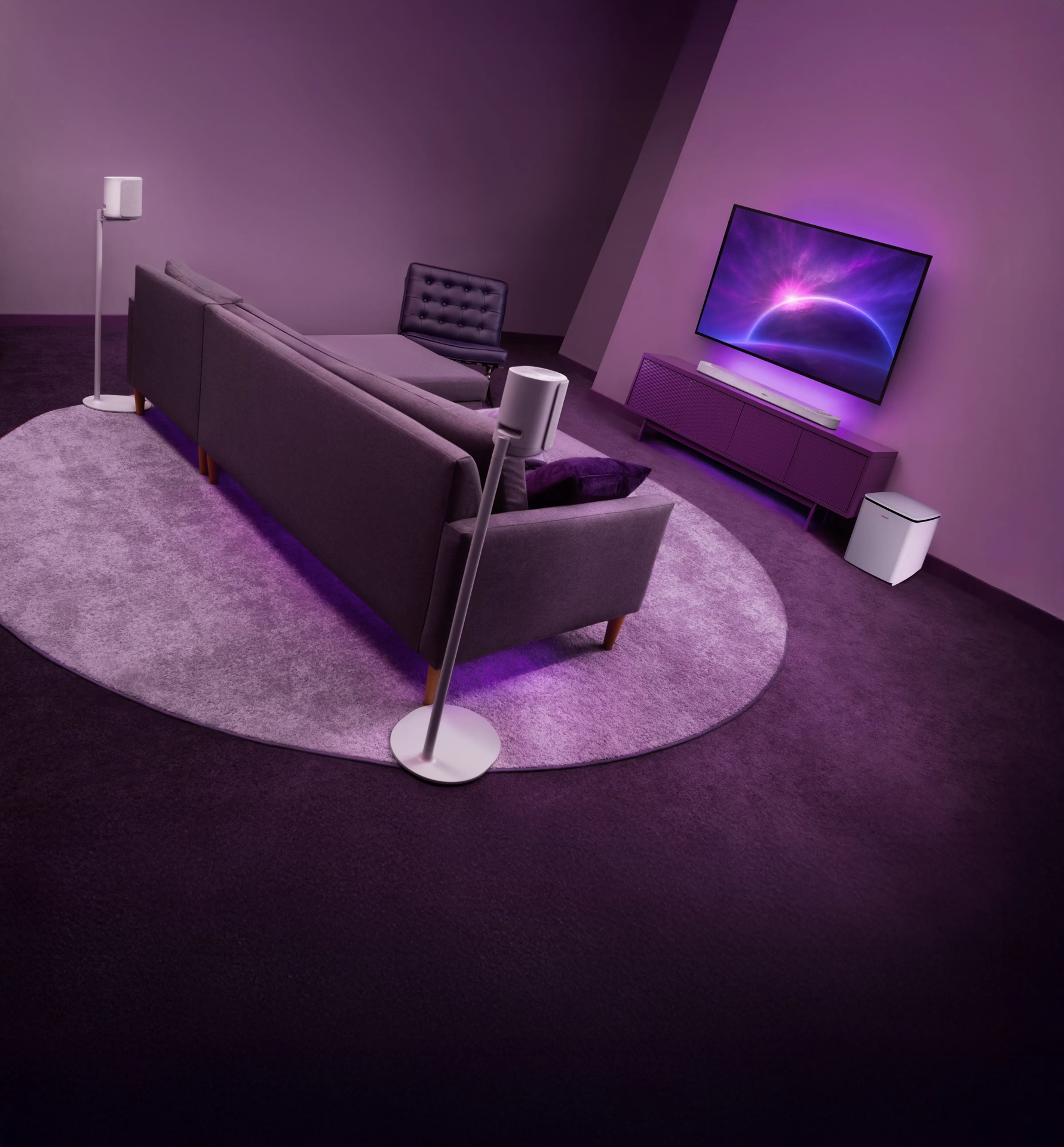
Wall mounting gives surround speakers a clean position and helps keep the sound directed toward the listening area. Floor stands offer more flexibility, especially in rooms where wall placement is not practical. The Bose Lifestyle Ultra Speaker works naturally in this role because its front-facing and up-firing drivers add direction, height, and spaciousness from the side or rear of the room.
Full 7.1.4 layout: how the Lifestyle Collection builds it
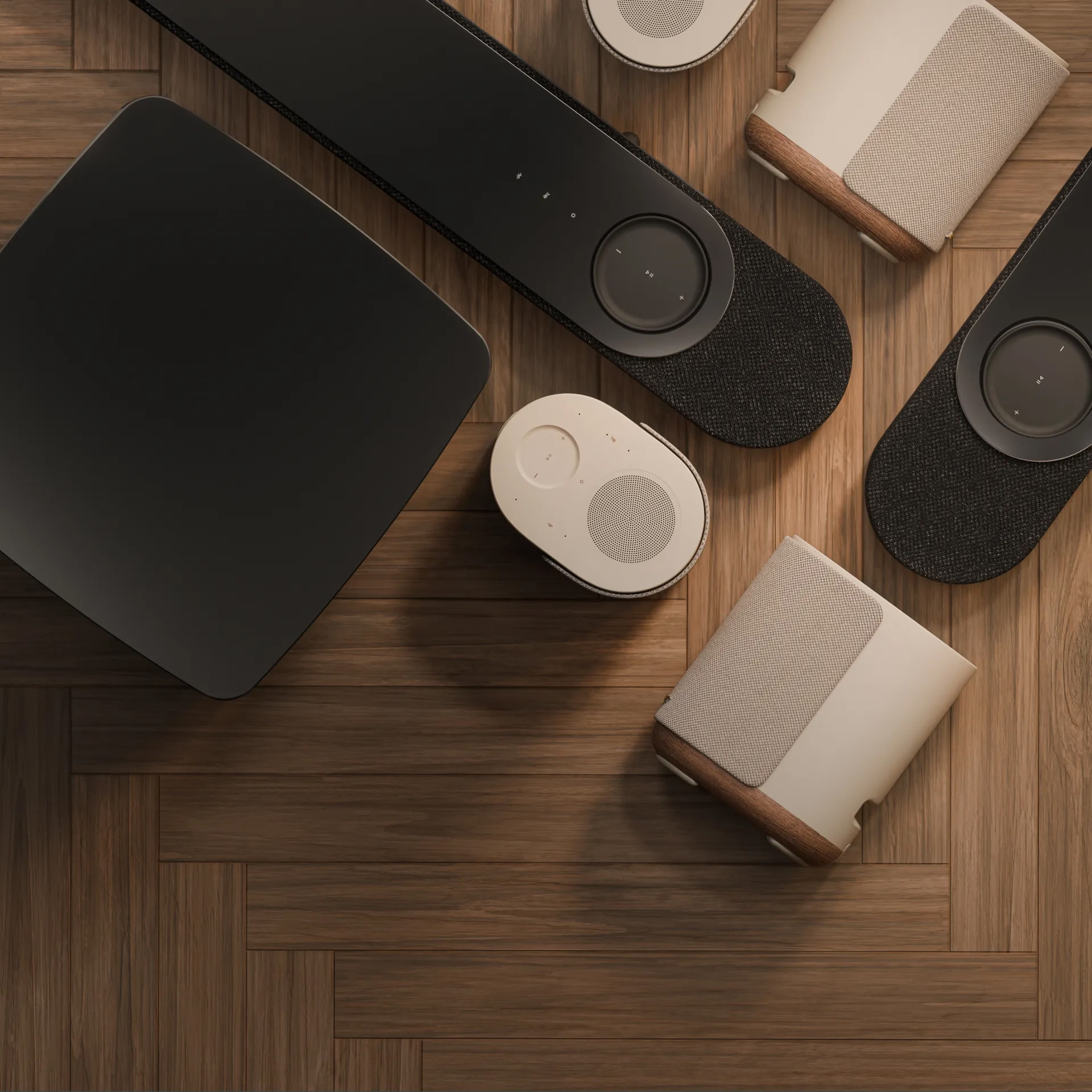
A full 7.1.4 home theater system creates sound across the front, around the listener, and overhead. The Lifestyle Collection brings that experience to life through a streamlined setup: the Lifestyle Ultra Soundbar anchors the room with Dolby Atmos performance, the Lifestyle Ultra Subwoofer adds deep, controlled bass, and two Lifestyle Ultra Speakers expand the sound field with surround detail, height, and spaciousness.
Together, they create immersive, uncompromising audio with the clarity, balance, and dynamic range Bose is known for, without asking the room to feel overbuilt.
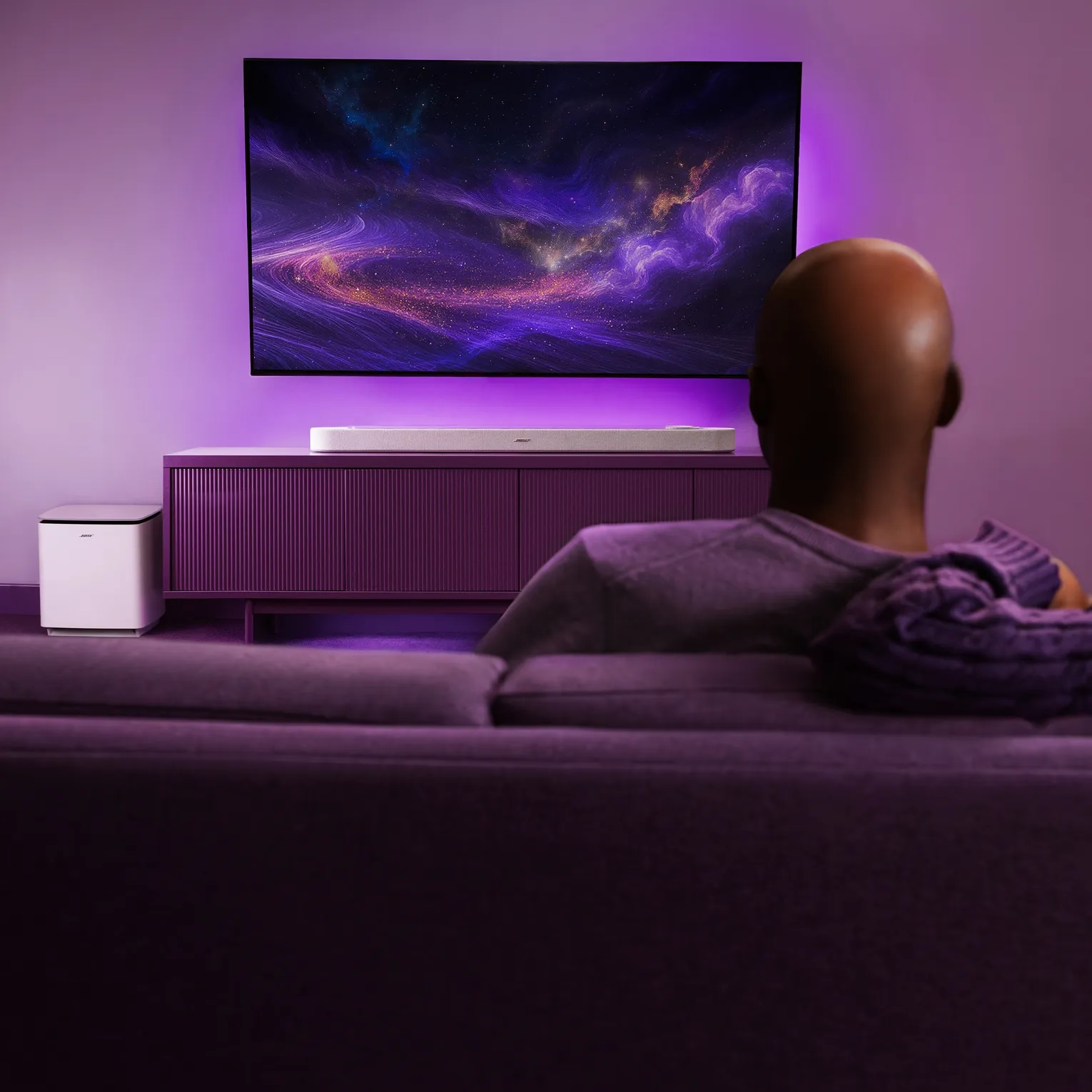
Bose app setup: calibrating and controlling your system
The Bose app gives the Lifestyle Collection a guided, tailored setup experience, from Wi-Fi® connection and product pairing to CustomTune calibration. A single speaker, a soundbar, or a full home theater system can be configured through one streamlined flow, so the experience feels intuitive instead of pieced together.
After setup, the app delivers precise control over volume, source selection, equalization, surround levels, and height levels, allowing performance to feel personalized to the room, the listener, and the moment. With support for Google Cast, Apple AirPlay, and Spotify Connect, the Lifestyle Collection also plays from the services people already use and can connect across the home for a more unified listening experience.
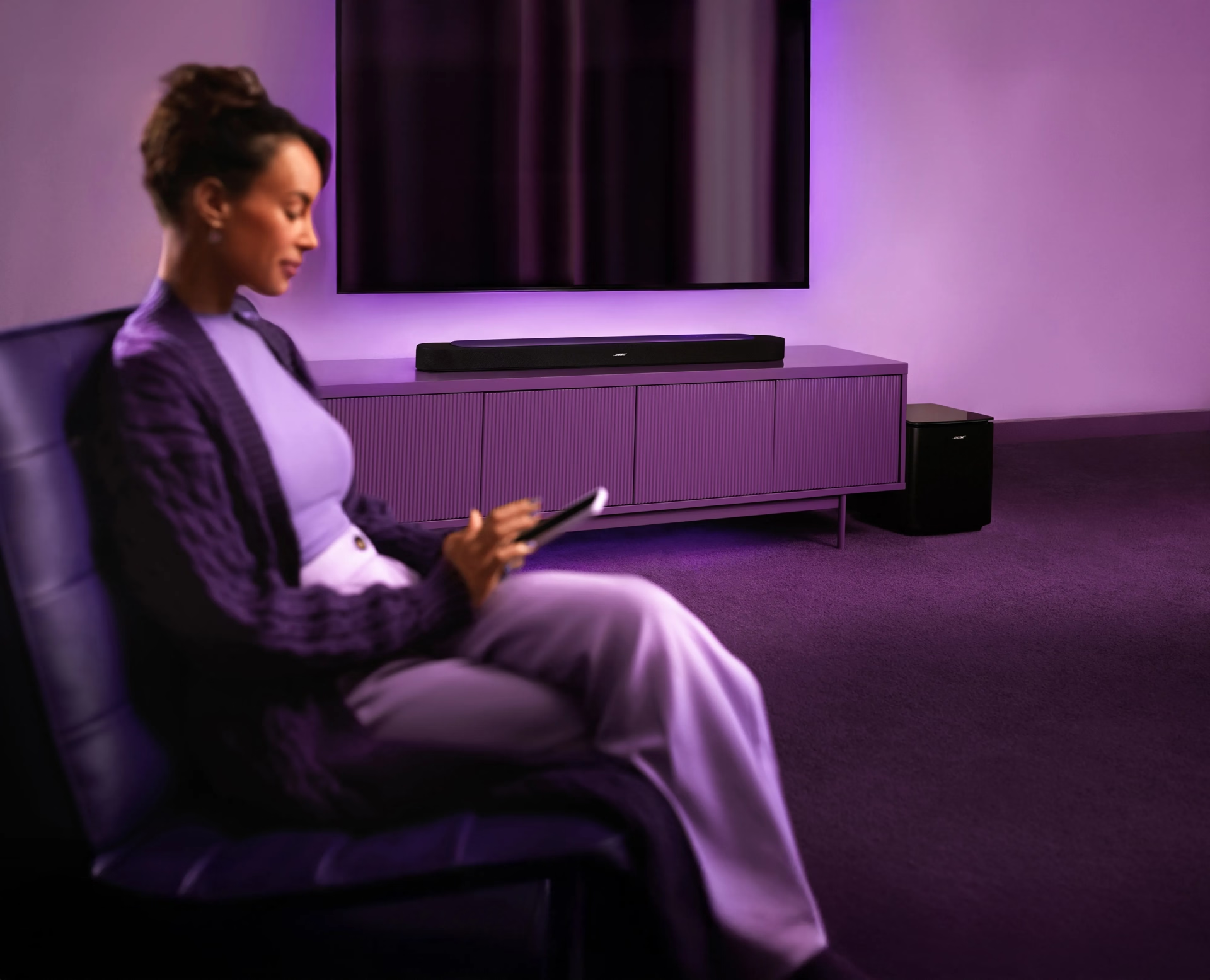
Set it up right. Then live in the sound.
Featured in this story

Color:
Black

Color:
Black

Color:
Black

