GAME DAY SALE: Save up to 30% on home theater speakers. Shop

Control music playback and calls with tap gestures
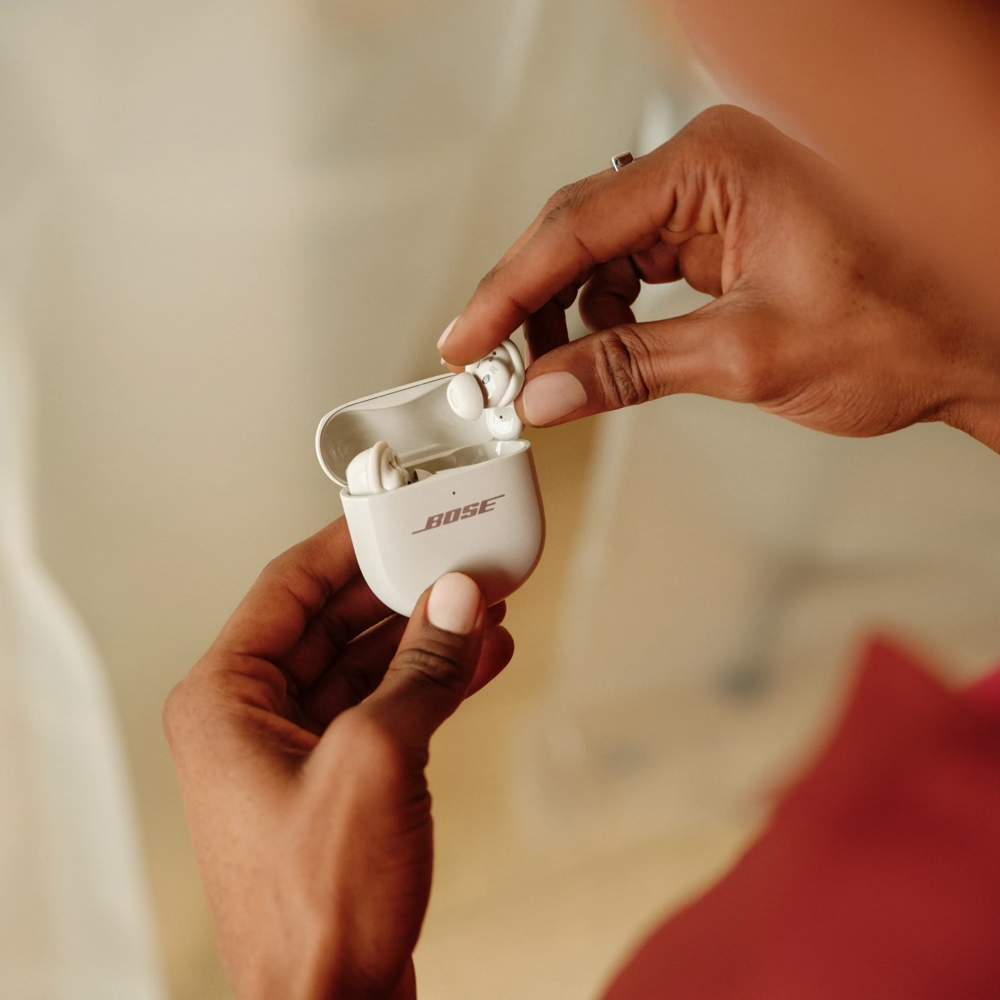
Tap is the core gesture across all Bose earbuds. A single tap pauses or plays your music. Double tap and you’ll skip ahead to the next track, a small convenience that makes a big difference when you’re moving through a playlist on your morning commute. If you’re heading back to a favorite song, a triple tap will rewind you there without ever unlocking your phone.
The same pattern applies to calls: tap once to answer, twice to end or decline a call.
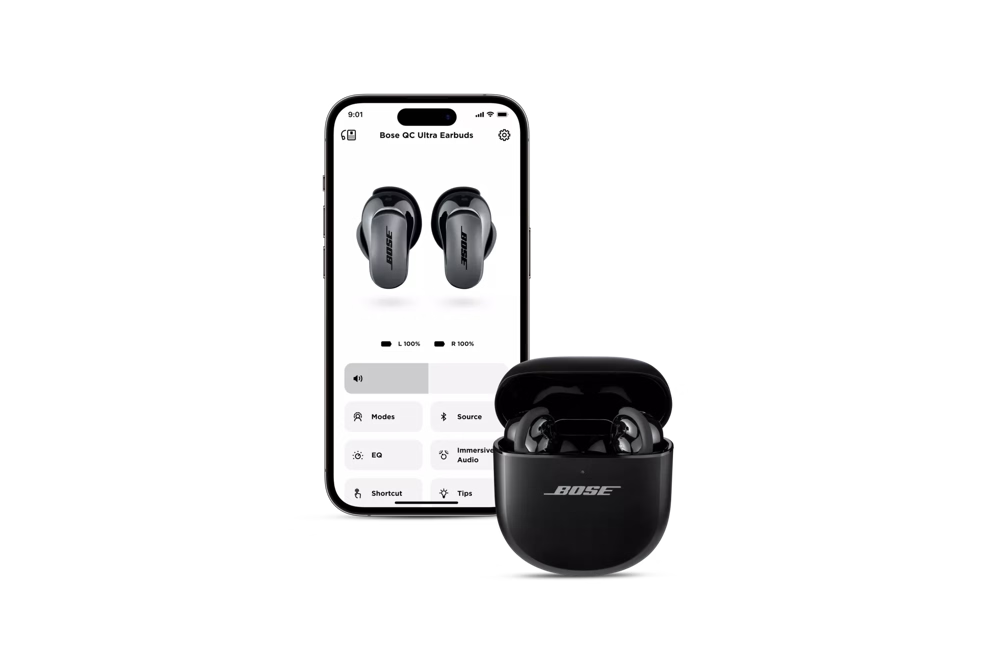
Within either the Bose app or the Bose QCE app, you can even personalize what a single, double, triple tap, or touch-and-hold does. You can set gestures differently on each earbud, tailoring control to your style.

Adjust volume with swipes or holds
Volume shifts with your environment, and Bose earbuds make it easy to adapt. When the subway roars as you head into a tunnel, swiping up on QuietComfort Ultra Earbuds (2nd Gen) instantly raises the sound. Step off into a quiet street, and a swipe down lowers it just as quickly. The QuietComfort Earbuds give you similar control with touch-and-hold gestures: right earbud for louder, left for softer.
Ultra Open Earbuds handle volume with button holds, while Auto Volume in the Bose app can make the adjustments for you. It reacts to your surroundings on its own, so your attention stays on the call you’re taking, the playlist in your ears, or the world moving around you.
Switch noise cancellation modes with press and hold


Use voice commands, Auto Volume, and shortcuts
What makes Bose wireless earbuds stand out is how much control you have beyond the gestures. In the Bose app, you can reset to default settings, create shortcuts, and even assign actions like taking a hands-free photo with your phone’s camera.
Voice control adds another layer of freedom. When the app is running, instruct your QuietComfort Earbuds by saying “Hey headphones” followed by a command. You can accept or reject calls, launch your voice assistant, or request music without lifting a finger.
For environments that shift without warning, the QuietComfort Ultra Earbud series brings in ActiveSense. When turned on, this feature automatically adjusts noise cancellation when the world suddenly spikes in volume, softening the jolt of screeching trains or bursts of traffic so your sound stays steady.
Bose blends into your routine with gestures that handle the small details, making it easier to enjoy quiet moments, keep pace on busy days, and stay connected in between.
Bose earbud controls: designed for everyday use
Controls on Bose earbuds are designed to feel second nature, with every tap, swipe, or press responding instantly. The experience adapts seamlessly, from slipping into Quiet Mode on a long flight to adjusting volume during a ride across town.
Every Bose earbud type delivers controls that feel natural and intuitive, built to match the way you live.
From immersive music to quiet commutes, Bose earbuds give you intuitive control and personalized sound, wherever life takes you.
Explore all Bose wireless earbuds to find the right fit for your routine, and take control of your audio, your way.
FAQs: Controlling Bose wireless earbuds